Using WooCommerce Store Locator to Find Your Nearest Store
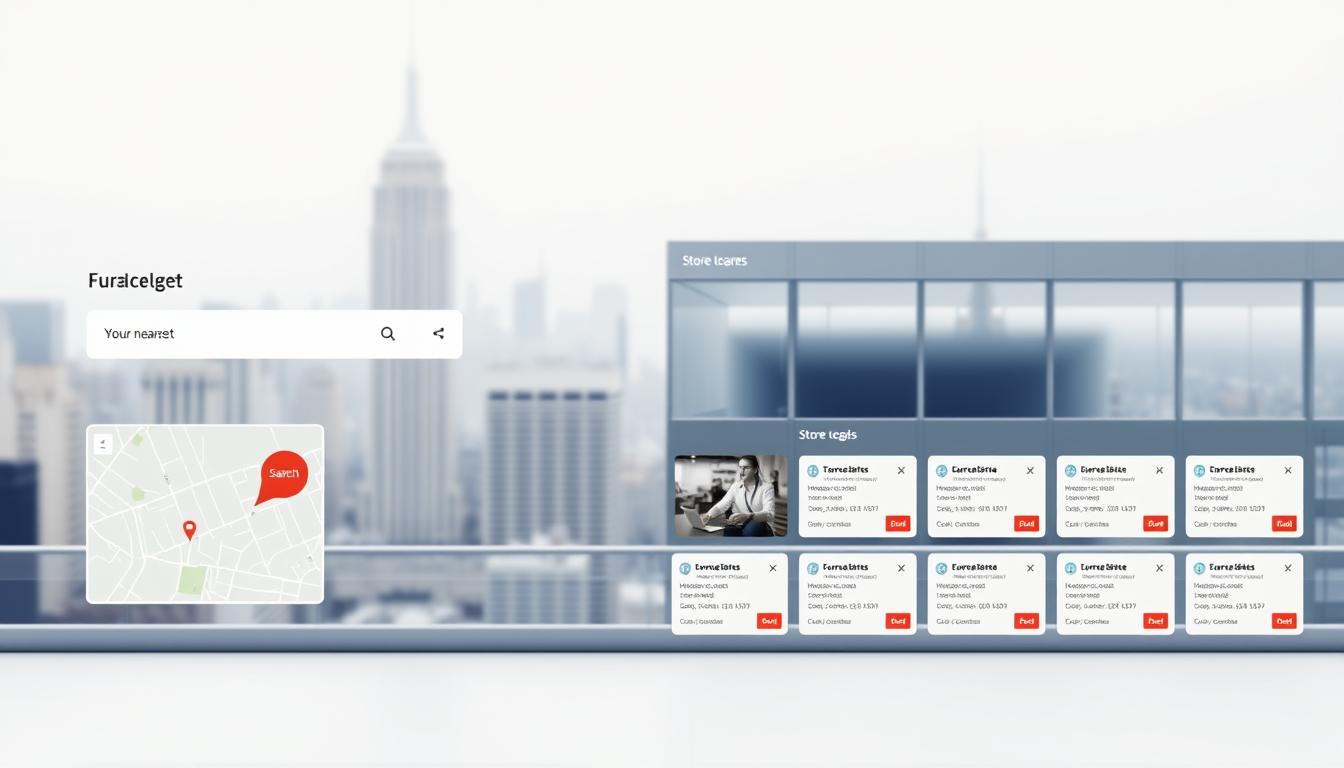
Store Finder for WooCommerce uses the Google Maps API v3 to deliver precise geolocation, radius and category filtering, and turn-by-turn directions with distance and ETA. The plugin places a searchable map on any page via shortcode or Gutenberg block, enabling rapid deployment without custom development.
Retailers gain clear operational advantages: faster path-to-purchase, lower last-mile cost through local pickup, and higher conversion when customers can inspect products in person. The solution scales from single-location shops to international brands with marker clustering and CSV import/export for bulk management.
Key Takeaways
- Quick deployment: Shortcodes and Gutenberg blocks place the locator on any page fast.
- Accurate directions: Google Maps integration provides distance, ETA, and turn-by-turn routing.
- Better conversion: “Find in Store” on product pages surfaces local availability.
- Operational scale: Marker clustering and CSV tools support dense and international networks.
- Enhanced visit quality: Reviews, hours, and images set accurate expectations.
Why a Store Locator Matters for WooCommerce Customers Today
A modern store finder turns local demand into measurable savings for retailers and shoppers alike. Built-in geolocation and auto-geocode route visitors to the nearest outlet, reducing shipping cost and overall delivery time. This capability also lets customers evaluate products in person before purchase, which raises conversion and lowers return rates.
Proximity-based search with radius and category filters focuses results on relevant stores and provides precise directions. Live geolocation reduces manual entry, shortening the path from intent to in-person visit and minimizing support contacts for basic information like hours and address.
- Economic impact: Routing demand to the closest location cuts last-mile expense and lead times.
- Customer preference: Many U.S. customers choose local pickup to avoid fees and get items sooner.
- Quick search: Radius filters narrow options and deliver distance and route data fast.
- Clear information: Addresses, hours, and ratings increase trip success and reduce calls.
- Category filters: Guide shoppers to specialized departments or service centers efficiently.
- Multilingual map support: Directions in multiple languages improve access in diverse regions.
Operational continuity follows from consistent map settings and centralized presentation, lowering training and content overhead. In practice, a modern store locator is a measurable conversion asset for omnichannel retail and buy-online-pickup-in-store workflows.
Key Features That Help Customers Find Nearby Stores Fast
Precision geolocation and configurable search tools shorten time-to-visit for customers. The solution uses Google Maps API v3 to return highly accurate position data and nearby results in real time.
Real-time geolocation and positional accuracy
The plugin calls the Google Maps API v3 for immediate geolocation. This version provides high positional accuracy so a user’s location maps correctly to nearby store locations.
Radius and category filters for targeted searches
Configurable radius and category filters keep irrelevant results out of the list. Category tags differentiate formats or services so customers find the right outlet quickly.
Turn-by-turn directions with distance and ETA
Integrated directions show step-by-step guidance, distance, and an estimated time of arrival below the map. Results appear as on-map markers and an optional list for fast route selection.
International coverage and clustering
International coverage scales the service across states and borders. Marker clustering preserves map readability where multiple stores sit close together. Settings include km/miles, default zoom, start point, and custom map styles.
“Accurate maps and focused filters reduce travel time and increase visit success.”
- Performance: Expose caching and minification exclusions to ensure reliable map and directions rendering.
- Administration: Plugin settings control default zoom, start point, and measurement units.
Easy Ways to Display Your Store Locator on Any Page
Embedding a storefront map on any page requires only a shortcode or a block-based insert. Store Finder for WooCommerce uses [woo_store_locator] and WP Store Locator uses [wpsl]. Place either shortcode on the target page or post to expose the map and results immediately.
Shortcodes and editor blocks
The plugin includes Gutenberg block support for name, icon, description, and category fields. Editors can configure labels and icons without custom code, accelerating publishing workflows.
Initial view and layout options
Define a start point and default zoom in settings to ensure a consistent first-view experience. Choose an option to show results beneath or beside the map to match page design constraints.
Practical tips and troubleshooting
Exclude the locator page from HTML/CSS/JS minification in caching plugins to prevent broken rendering or character issues. Add CTAs such as a “Find in Store” button on product templates to route traffic to the map.
- Info windows and their behavior can be tuned via plugin settings and template tags.
- Test across pages and posts to validate responsiveness and UI readability.
- Shortcode and block insertion keeps developer overhead minimal and ensures consistent navigation to store discovery.
“Consistent embedding across pages creates a predictable navigation path to store discovery.”
Enhance Product Discovery with “Find in Store” and Store Info
A prominent availability button on the product page shortens the path from discovery to in-person pickup. The Find in Store button checks local inventory with one click and displays nearby options without leaving the product view.
“Find in Store” button on product pages
The button converts browsing into an immediate inventory check. Placing it consistently on product templates raises recognition and lifts conversion for time-sensitive purchases.
Display reviews and ratings in popups or lists
Reviews and rating signals surface in map popups or the result list to inform selection. Higher-rated locations attract more visits and improve repeat purchases.
Show opening hours and store images on locator and single pages
Visible hours reduce arrival outside service windows and lower support contacts. Including a map or image on single pages builds trust and sets accurate expectations for in-person visits.
- Business impact: Surfacing local availability decreases delivery dependence and improves conversion for urgent orders.
- Operational tip: Align templates so the button appears in the same location on every product page.
- UX test: Validate popup and list views on mobile for scannability and interaction fidelity.
- Measurement: Track button clicks and follow-through to store visits as omnichannel KPIs.
Bulk Manage Locations with CSV Import/Export
Managing many locations requires a repeatable CSV process that preserves data integrity. A standardized approach reduces manual entry and ensures consistent mapping across regions and versions of the plugin.
Import, update, and export using a validated CSV file to accelerate onboarding and routine updates. Maintain canonical latitude and longitude columns to avoid geocoding drift during bulk changes.
Import, update, and export store locations using a CSV file
Follow a simple workflow: prepare a template, validate required columns (address, city, state, zip, country, lat, lng), test with a subset, then run full import. Use version control for the CSV template to track schema changes between plugin versions.
- Keep latitude/longitude canonical to prevent repeated geocoding.
- A valid Google API key is necessary for address validation and accurate mapping during ingestion.
- Test a small sample first to confirm formatting and geocoding responses.
- Use export files for audits, BI integration, or sharing with franchise partners.
- Schedule periodic imports or exports to support data governance cycles and seasonal updates.
Import export operations shorten time-to-market when opening new regions and reduce partial loads by validating required columns prior to bulk actions. Exported CSV files also serve as a single source for audits and analytics.
Map Customization and Markers That Match Your Brand
Customizing map visuals and markers adapts the interface to brand identity while clarifying user orientation. Store Finder for WooCommerce and comparable plugins provide concrete options to tune markers, map styles, and default view for consistent presentation.
Distinct start and destination markers
Use custom start and destination markers to separate the user’s position from target locations. Six marker options allow a clear visual hierarchy and let brands apply a consistent color palette and name convention for maintenance and QA.
Clustering for dense areas
Marker clustering aggregates nearby points to preserve legibility in urban concentrations. Clusters reduce initial rendering load and improve performance by limiting simultaneous marker draws until users zoom in.
Styles, terrain, and view options
Custom map styles and terrain settings align the map with corporate design systems and enhance contrast for accessibility. The view can prioritize labels, roads, or physical terrain depending on shopper behavior and regional needs.
- Category-based marker logic signals format differences such as outlet, flagship, or service center.
- Set thoughtful defaults for start point and zoom to lower friction at first render.
- Document chosen options in a brand playbook to keep appearance consistent across regions and agencies.
- Perform mobile-first viewport testing to ensure tap targets and cluster expansion work on small screens.
Consistent markers, tested defaults, and accessible map styles together reduce user errors and support faster in-person visits.
woocommerce store locator Setup: Settings, Performance, and Privacy
A correct setup balances API limits, performance, and privacy controls to keep maps reliable under load. Administrators should document core settings and verify keys before moving to production. Clear configuration reduces support overhead and runtime errors.
API keys, autocomplete options, miles vs. km, and filters
Require a valid Google Maps/Places API key and set a start point with default zoom. Choose miles or km to match U.S. conventions and brand policy.
Configure autocomplete options to limit returned fields and control billing. Enable categories and filters to standardize search behavior across pages and markets.
Caching, minification exclusions, and version updates
Exclude the locator page from HTML/CSS/JS minification in optimizers and purge CDN caches (Cloudflare, WP Rocket) after deployment. Clearing caches prevents rendering faults and shortens recovery time.
Monitor plugin version updates for security fixes and compatibility patches. Validate API keys with the built-in tool before scaling traffic.
GDPR-friendly loading with consent (Borlabs Cookie)
Implement deferred map loading so maps only initialize after explicit consent. Present a placeholder window if consent is pending and log consent rates for compliance support.
- Operational note: Document settings in a runbook and schedule periodic reviews.
- Support: Train admins on privacy controls and performance hygiene to preserve availability.
How It Compares: Store Finder for WooCommerce vs. WP Store Locator
This comparison highlights practical differences in deployment, merchandising, and extensibility between two leading mapping plugins.
Core parity: Both provide accurate geolocation, radius and category filters, driving directions with distance/ETA, and marker clustering for dense markets. Each exposes a shortcode and basic settings panel to speed deployment.
Product features and merchandising
Store Finder for WooCommerce emphasizes product-centric features: a Find in Store action, reviews, visible hours, and single-location images to improve conversion and in-person visits.
Extensibility and developer options
WP Store Locator targets enterprise workflows with add-ons (CSV Manager, Search Widget, Statistics) and nearly 50 developer filters. Those options help with bulk import/export, distributed search points, and demand analytics.
- Styling: both support custom map styles and marker customization to match brand systems.
- International: km/miles, multilingual map options, and consent tools support cross-border operations.
- Governance: Borlabs Cookie integration and API key validation aid privacy and operational control.
“Proof-of-concept tests in representative markets reveal real differences in UX, performance, and data overhead.”
Recommendation: Run a short proof-of-concept, measure analytics needs, and lock a version policy to maintain compatibility with caching and Maps APIs before full rollout.
Use Cases for U.S. Retailers and Multi-location Brands
Operationally, confirming product availability at the nearest outlet reduces fulfillment exceptions and customer friction. This capability supports predictable BOPIS flows and improves conversion on high-intent pages.
Buy online, pick up in store with local availability
The solution verifies product availability at nearby locations and routes customers to the chosen pickup point with distance and ETA. This shortens pickup time and reduces missed-collection events.
Guiding customers to the closest store to reduce shipping time
Directing customers to the nearest outlet lowers shipping cost for bulky or urgent items and shortens delivery time for final-mile logistics.
Franchises and regional chains with category-based filtering
Category filters surface specialized locations—service centers, anchors, or department formats—that match product needs. Scheduled CSV updates keep store locations accurate across regions and support field operations.
- Mobile-first: Embed the map on product pages so customers access directions on the go.
- Analytics: Use statistics add-ons to spot underserved areas and prioritize new openings.
- Governance: Maintain API keys, cache rules, and staff training to keep hours, reviews, and images current.
Conclusion
Consistent map embedding and disciplined data practices convert casual searches into predictable pickup events. A well-configured woocommerce store locator centralizes discovery with geolocation, filters, directions, and product-led features like a “Find in Store” button.
CSV-driven import export and strict file versioning keep location and hours data current at scale. Governance over API keys, plugin versioning, and caching rules preserves performance and lowers errors.
Privacy-by-design patterns—consent-gated maps and documented SOPs for reviews and hours—protect user trust while enabling analytics. When deployed on priority pages, the right implementation measurably boosts omnichannel conversion and reduces last-mile cost for U.S. retailers.
FAQ
How does the store finder display nearby locations on a page?
The plugin uses Google Maps integration and precise geolocation to plot locations on an interactive map. Users can view results as a list or map, apply radius and category filters, and open a detail panel with distance, directions, hours, and images. Administrators can set default zoom and a start point to optimize the initial user experience.
Can locations be added or updated in bulk?
Yes. Administrators can import, update, and export location records via CSV files. The import process supports fields for address, coordinates, categories, hours, and custom metadata. Exported CSVs enable offline audits and bulk edits before reimporting to ensure consistency across many sites or regions.
What options exist to help customers find products at a nearby outlet?
The system supports a “Find in Store” button on product pages that links inventory and availability to location entries. Store detail popups can display product lists, customer reviews, opening hours, and a direct directions button providing turn-by-turn routing and ETA estimates from the user’s position.
How is map performance and privacy managed for enterprise sites?
Performance is addressed via caching and selective asset minification; administrators can exclude map scripts from aggressive bundling to avoid rendering issues. Privacy controls include GDPR-friendly loading with consent management (Borlabs Cookie or similar), as well as options to limit autocomplete or analytics until consent is granted.
What customization and branding features are available for markers and map styles?
The solution supports custom markers for origin and destination points, marker clustering for dense areas, and custom map styles including terrain, color schemes, and zoom presets. These options allow alignment with corporate identity and improved legibility at various zoom levels.
How do filters and search settings improve discovery for multi-location brands?
Radius filters, category segmentation, and distance-sorted results enable targeted searches across regions. Multilingual support, developer hooks, and customizable templates facilitate localization and consistent UX for franchises and national chains managing diverse inventories and store types.
What setup steps are required for accurate directions and geocoding?
Administrators must configure Google Maps API keys, enable geocoding and autocomplete, and select units (miles or km). Accurate coordinates in the CSV import improve geocoding success; regular updates and version maintenance ensure continued compatibility with mapping APIs and routing features.